All-in-one wireless podcast kit for up to 4 people

Goes anywhere,
self-contained

Up to 4 voices,
all wireless

Immersive sound out of the box
Trusted by creators and teams at









.avif)

Record anywhere.
Sound incredible.
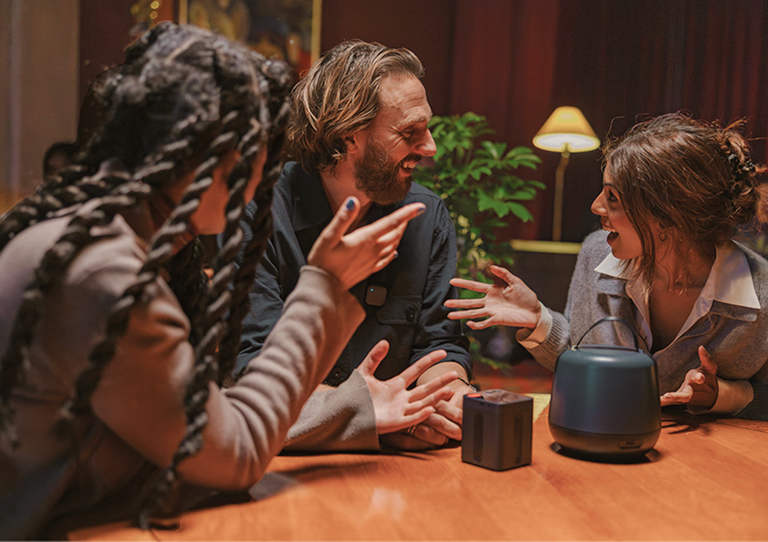
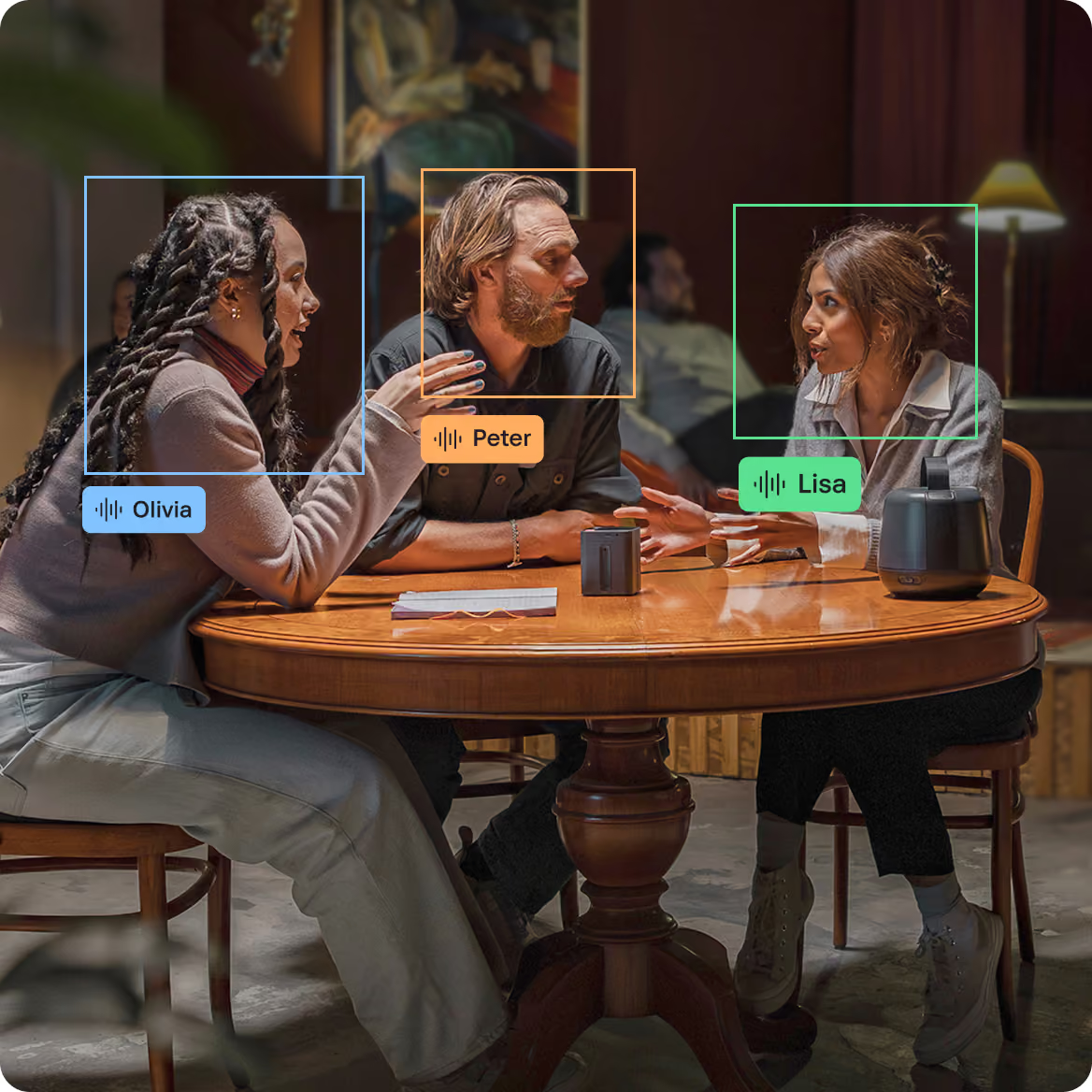
Four voices, no engineer
Studio-quality sound in any location, online or offline.
Every voice, clean
AI cleanup removes noise and levels every voice.
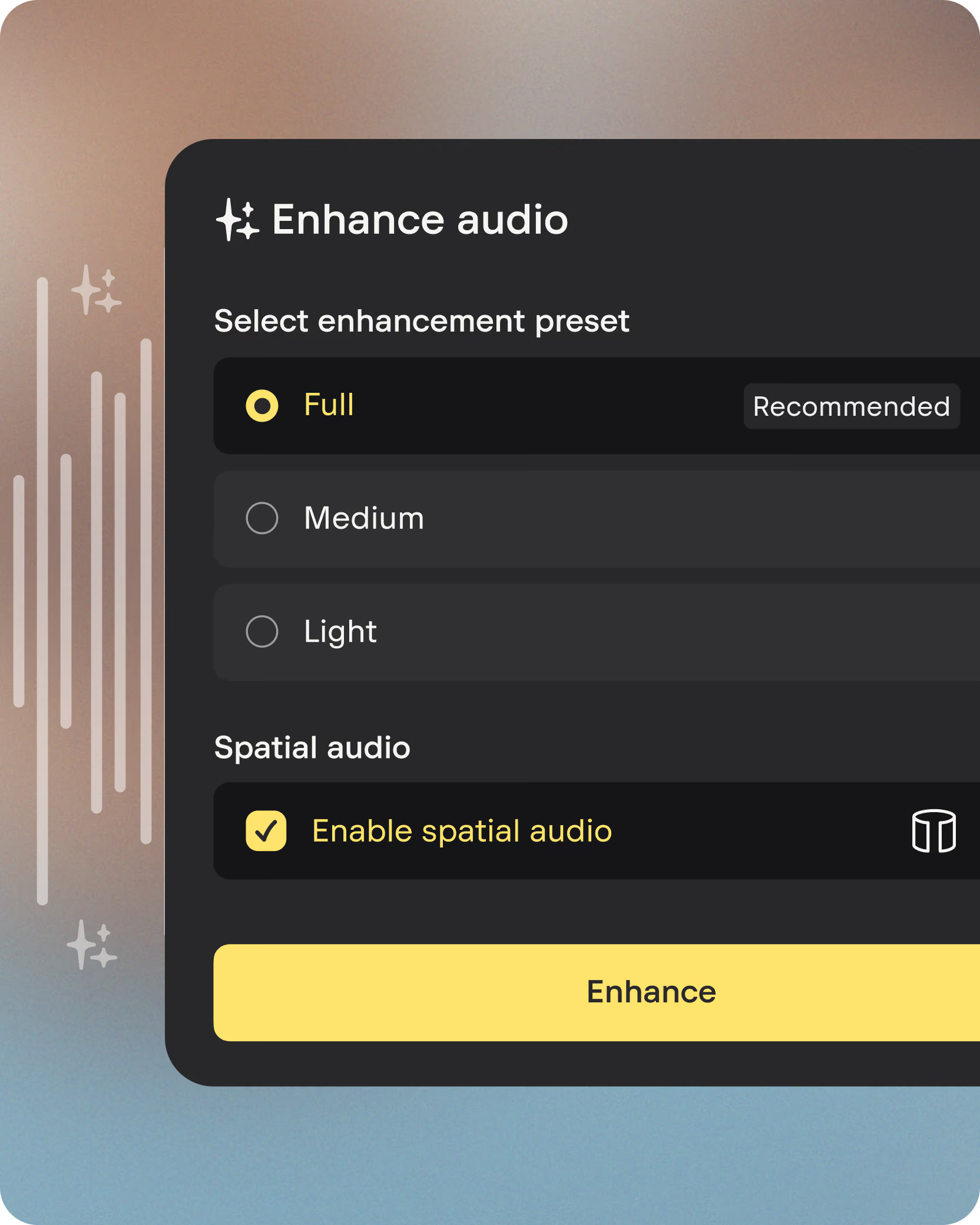
Spatial audio
8-mic array captures rich 3D ambience, ready for multi-format export.
All day battery
Record for 10 hours, then return the kit to its charging case for extra 15 hours.



Record anywhere.
Sound incredible.
Four voices, no engineer

Studio-quality sound in any location, online or offline.
Every voice, clean
AI cleanup removes noise and levels every voice.
Spatial audio
8-mic array captures rich 3D ambience, ready for multi-format export.
All day battery
Record for 10 hours, then return the kit to its charging case for extra 15 hours.
How it works
Record anywhere
Clip on up to four Stellar Mics and hit record on the Space Recorder. 8-element Ambisonics capture: with 12 hours of storage, no phones or laptops needed.


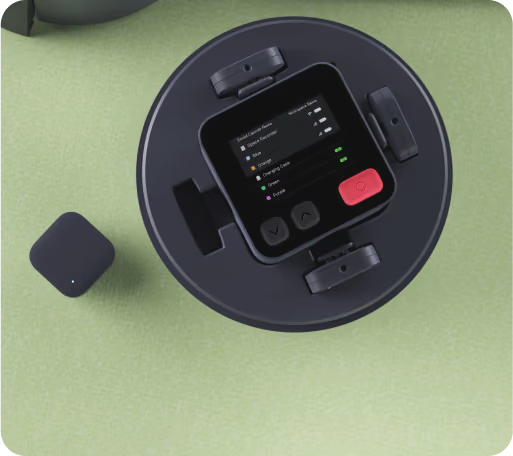
Sync to Studio Cloud
The Sound Capsule syncs to Studio Cloud on its own. No cables or files to move. USB export is there if you need a manual backup.

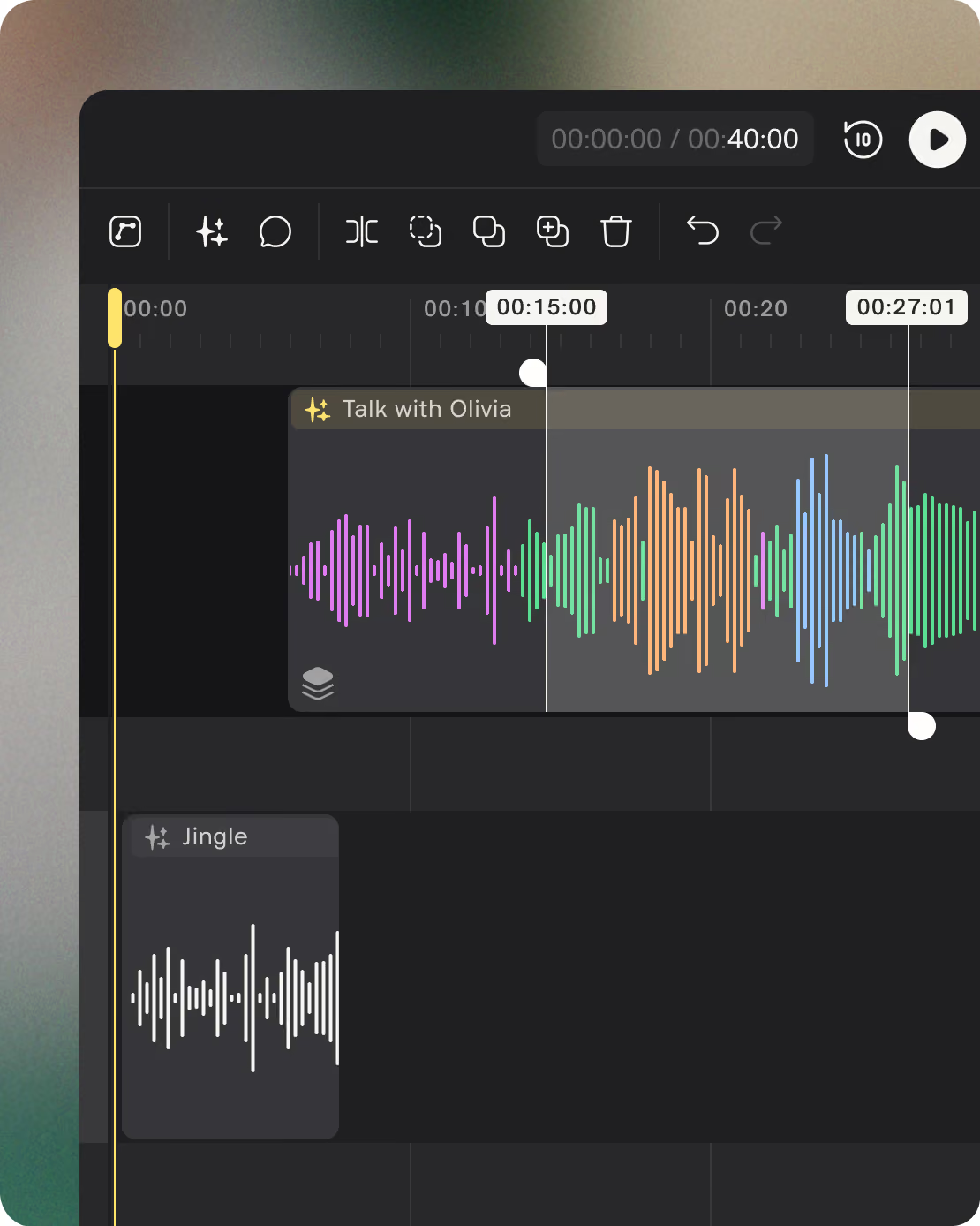
Edit and enhance
In Studio Cloud, one click removes noise, balances levels, and syncs audio to video. Transcribe, refine with your team, and export or share.

Record wherever the story is
Your location becomes part of the story instead of a problem.
What’s included with the Sound Capsule

Space Recorder
An 8-element Ambisonics spatial recorder with up to 12 hours of internal storage.
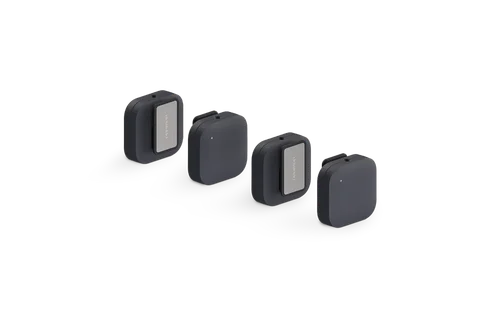
Stellar Mics
4 high-end mics with lossless audio buffering and auto-leveling.

Studio Cloud
Automatic sync, noise removal, and video sync. Transcribe and refine with your team, then export or share.

Charging Case
Easy charging and storage for your kit, providing 15 hours of extra battery.

Accessories
A case with windbreakers, extra magnets, and a USB charging cable.
.avif)
Nomono Studio app
Control your Sound Capsule and get easy access to Studio Cloud.

Specifications
What’s included with the Sound Capsule
Space Recorder
An 8-element Ambisonics spatial recorder with up to 12 hours of internal storage.
Stellar Mics
4 high-end mics with lossless audio buffering and auto-leveling.
Studio Cloud
Automatic sync, noise removal, and video sync. Transcribe and refine with your team, then export or share.
Charging Case
Easy charging and storage for your kit, providing 15 hours of extra battery.
Accessories
A case with windbreakers, extra magnets, and a USB charging cable.
Nomono Studio app
Control your Sound Capsule and get easy access to Studio Cloud.
Specifications
Audio
Performance
Mounting
Battery
Dimensions
Connectivity
Get your Sound Capsule

Built for multi-person shows, field recording, and immersive audio.
Frequently asked questions
Can I use the Sound Capsule with any other editing software?

Do I need the Nomono Studio app to use the Sound Capsule?
Where can I find Nomono tutorials, support and help?
You’ll find everything you need to get started and go deeper:
Nomono Support Center
Nomono Blog
Nomono YouTube Channel
Still have questions? Contact us
Is the Sound Capsule good for 2- or 3-person podcasts?
How does the Sound Capsule compare to the RØDECaster Pro II?
How do I get the Sound Capsule?
Do I need to be online to record with the Sound Capsule?
Can I use the Sound Capsule for video production?
Can the Sound Capsule record object-based audio?
Shipping and currency
Enjoy free express shipping to the listed locations within 2–5 business days.
 Austria
 Belgium
 Bulgaria
 Croatia
 Cyprus
 Czech Republic
.svg) Denmark
Denmark Estonia
 Finland
 France
 Germany
 Greece
 Hungary
 Ireland
 Italy
Italy Latvia
 Lithuania
 Luxembourg
 Malta
Malta Netherlands
 Norway
 Poland
 Portugal
 Romania
 Slovakia
 Slovenia
 Spain
Spain Sweden
 United Kingdom
 United States