Podcast editing online,
built for finished episodes.
Edit podcasts online by adding intros, outros, music, and multiple recordings in one browser-based episode editor.



.avif)



Everything you need to cut and build an episode.
Your focus tool, not a DAW to get lost in.

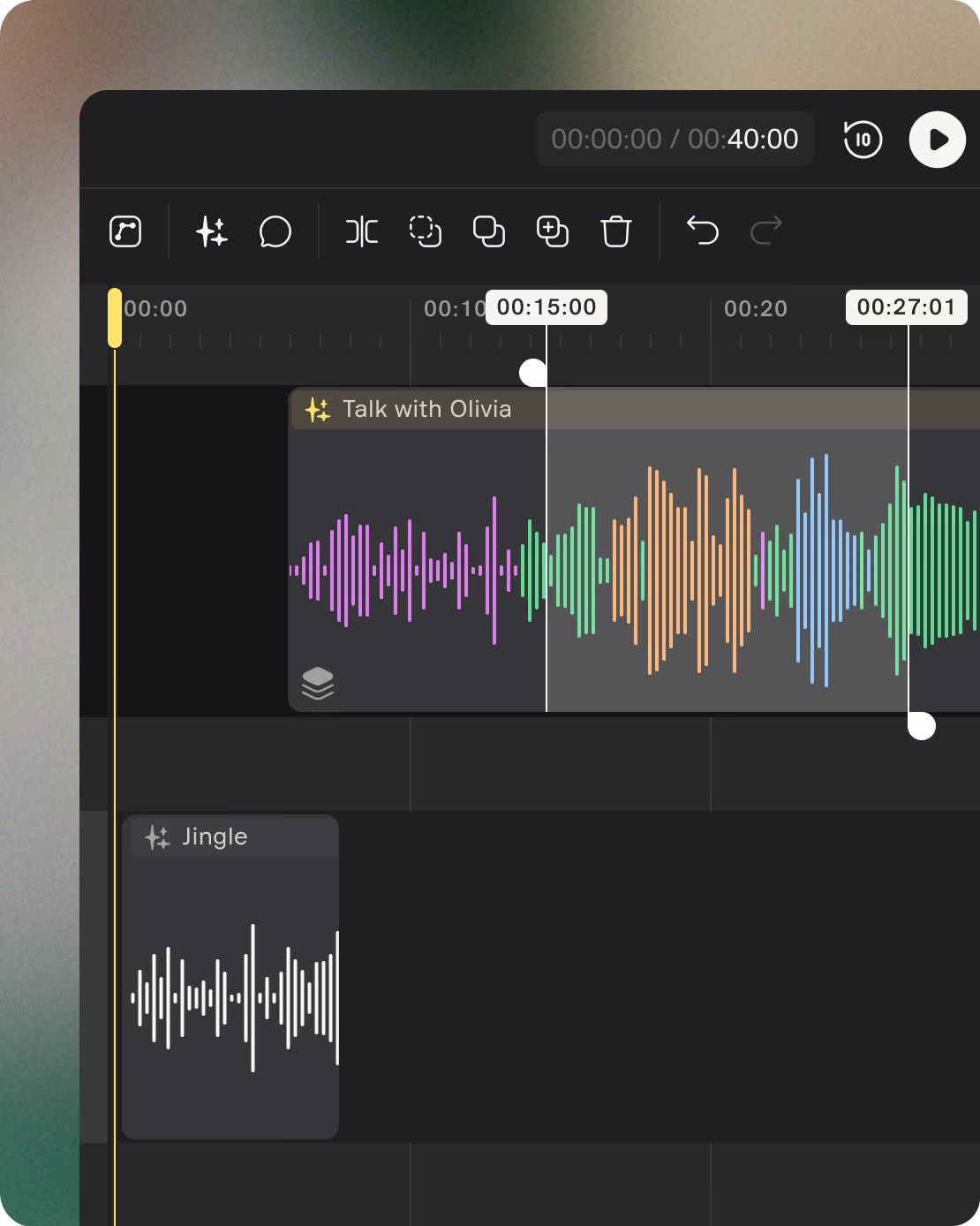
Add multiple audio recordings
Choose any recording or upload a file to the episode timeline. Combine clips from different recordings, different speakers, or different sessions.

Upload intros, outros, and music
Upload intro music, sponsor reads, outros, or sound effects and place them anywhere in the episode timeline.

Split clips
Place the playhead at any point and split the clip at that exact position. Works on the selected clip, or on all clips in the selected lane.

Trim and un-trim
Trim clips from either end without deleting the original audio. Drag back anytime to restore removed sections.

Copy, cut, and paste
Standard clipboard operations on clips. Cut a segment, paste at playhead in the same or a different lane. Pasting over an existing clip trims the overlap automatically.

Volume adjustment
Adjust volume per track, remove unwanted noises, and clean up crosstalk.
Recordings are your raw material. Episodes are what you publish.
Recordings stay untouched while episodes become polished, publishable audio.
A captured or imported audio source
A recording is the original audio captured with Nomono mics or uploaded from another tool. It can include one or multiple tracks.
- Supports WAV, MP3, AIFF, FLAC, OPUS, OGG
- Enhance, transcribe, or add directly to an episode timeline
- Original always preserved even after processing
Your finished podcast episode
An episode combines conversations, intros, outros, music, and uploaded audio into a single timeline ready for export and publishing.
- Add any recording from your workspace to the timeline
- Upload and add intro music, outros, sponsor reads, or sound effects
- Arrange clips on separate lanes and in any order
- Export as a broadcast-ready stereo mix
The editor is built for speed.
Use keyboard shortcuts to split clips, move faster, and edit podcast episodes without slowing down your workflow.
Split at playhead
Add comment
Toggle volume adjustment on/off

Copy clip
Cut clip
Paste at playhead
Select all clips
Undo
Redo
Select multiple clips
Ctrl replaces Cmd on
Windows for all shortcuts
Editing is one step in a complete production workflow.
Every step happens in the same workspace — no file handoffs, no format conversion, no switching tools.
Record
Capture audio with Nomono hardware or upload recordings from any setup.

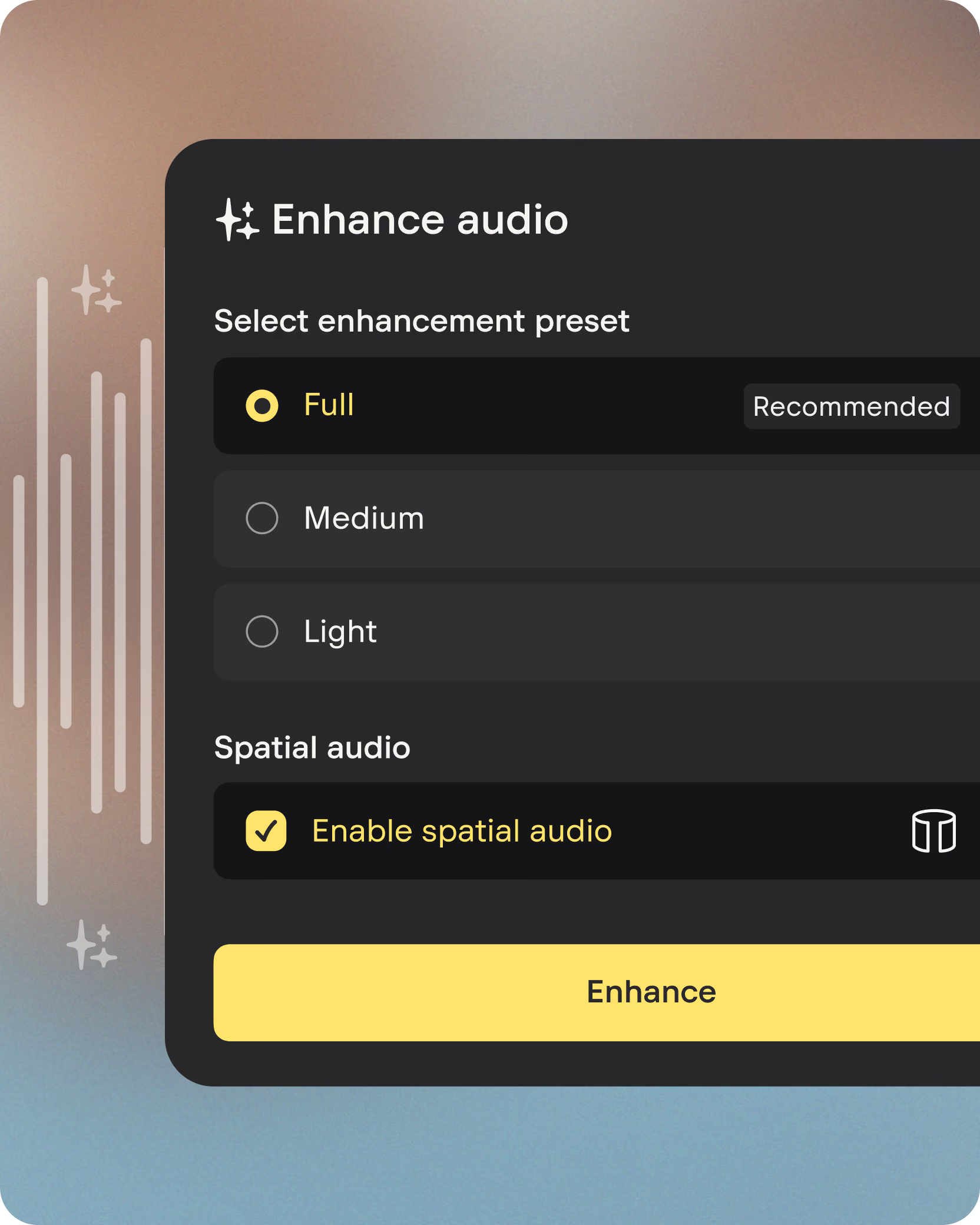
Enhance
Improve spoken audio with AI-powered cleanup and levelling.
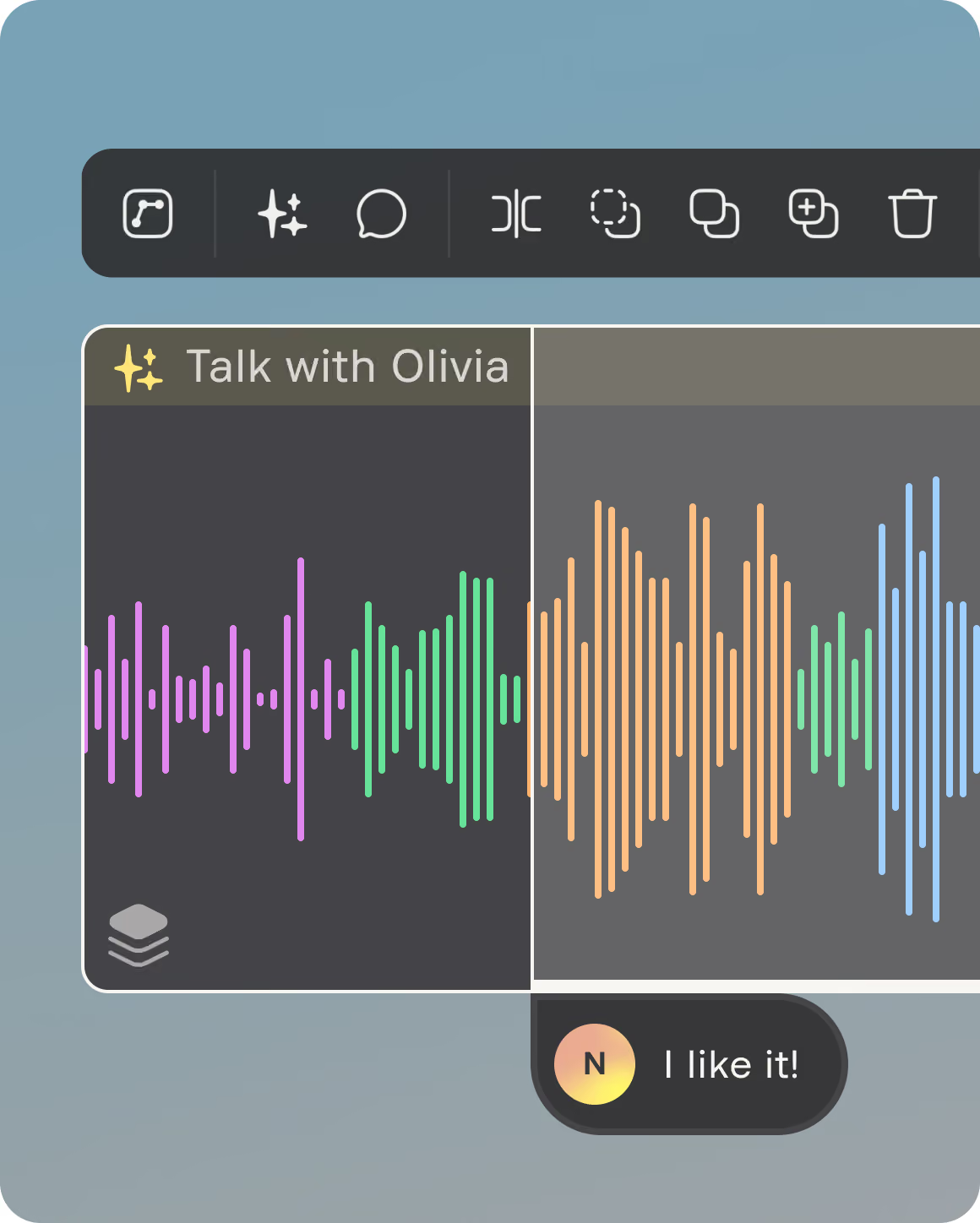
Edit
Arrange clips, add music, trim, and export finished episodes.
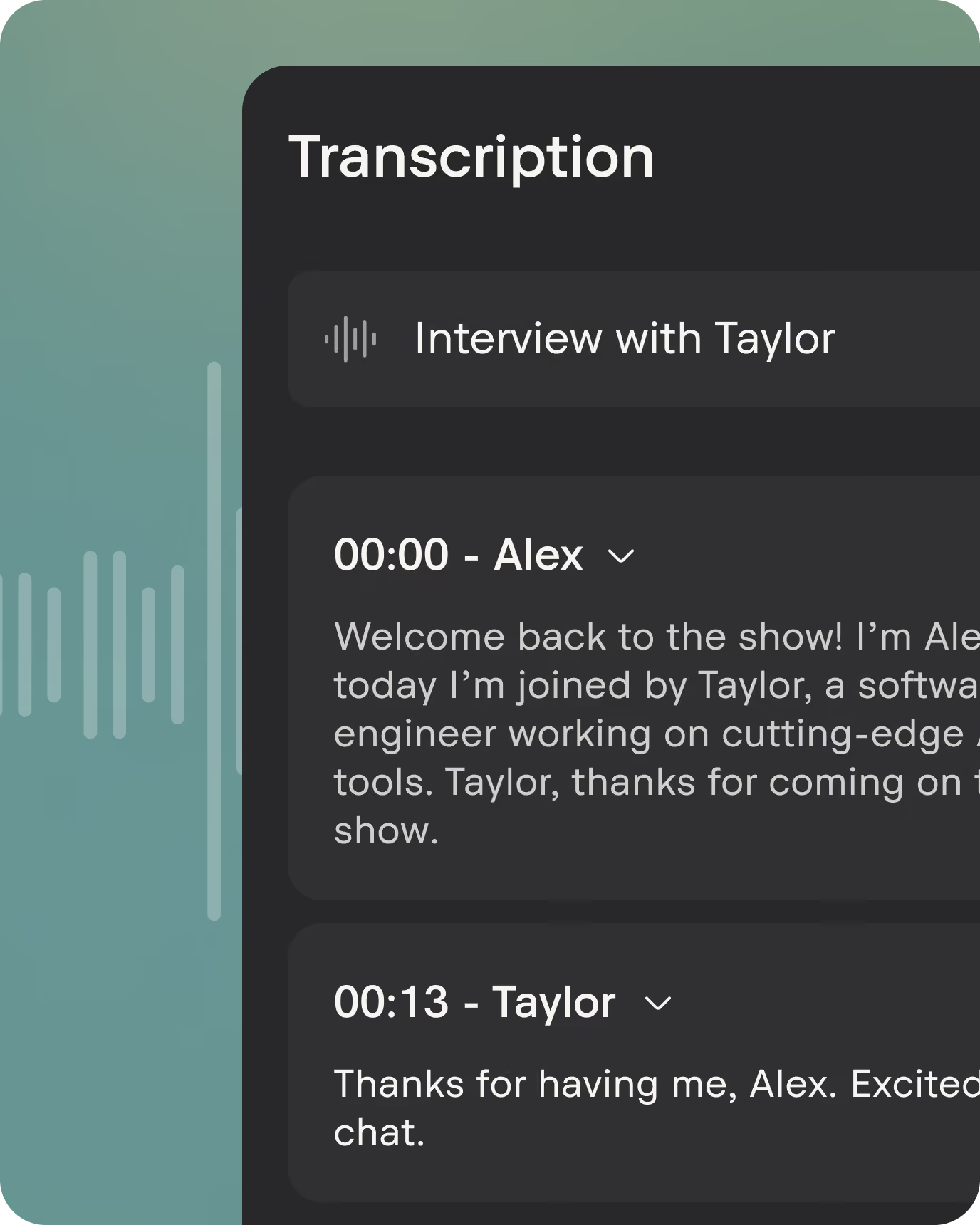
Transcribe
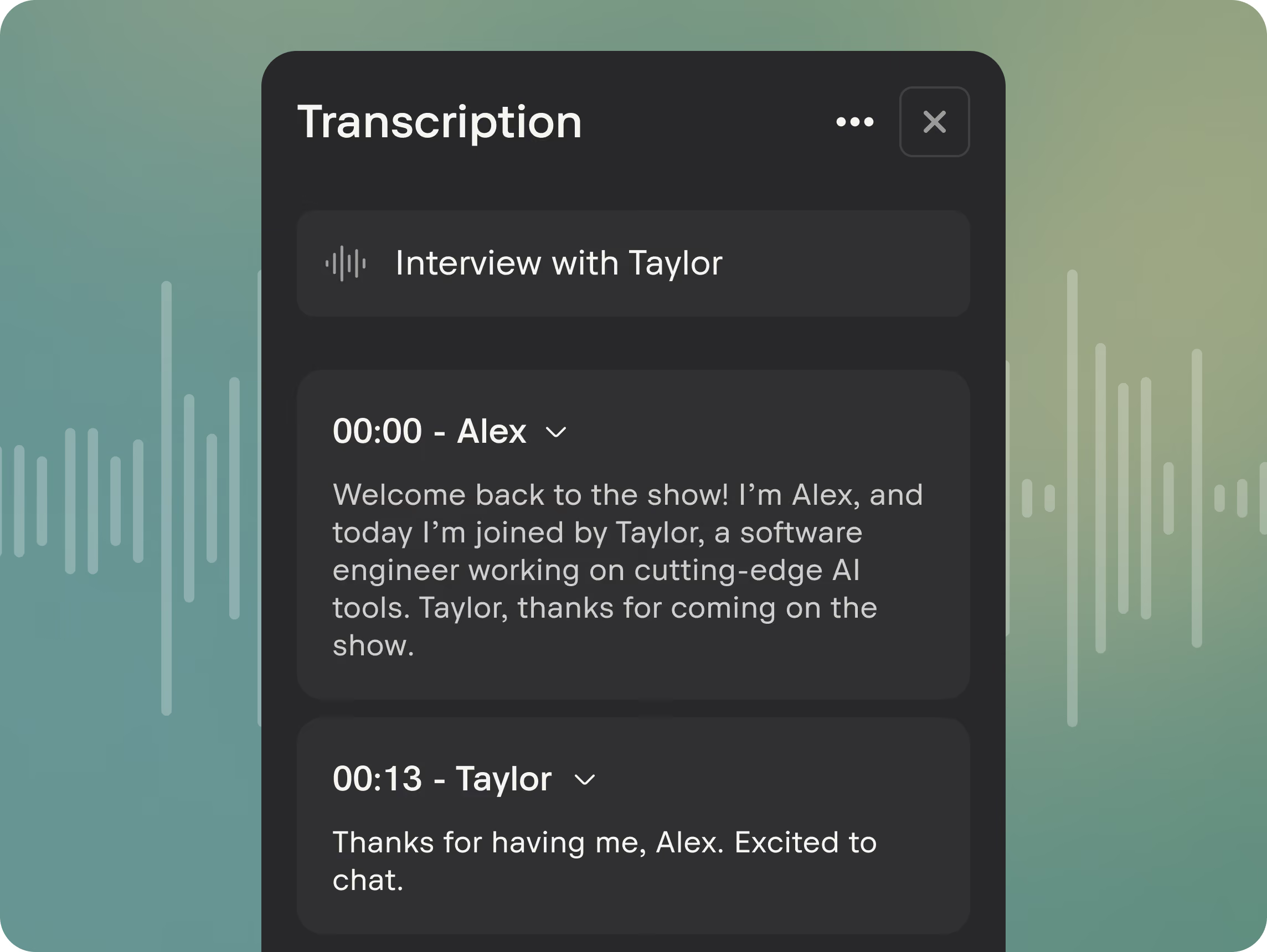
Generate searchable transcripts, captions, and speaker labels automatically.
Publish
Download your episode or publish to Spotify, Apple Podcasts, YouTube, and more.


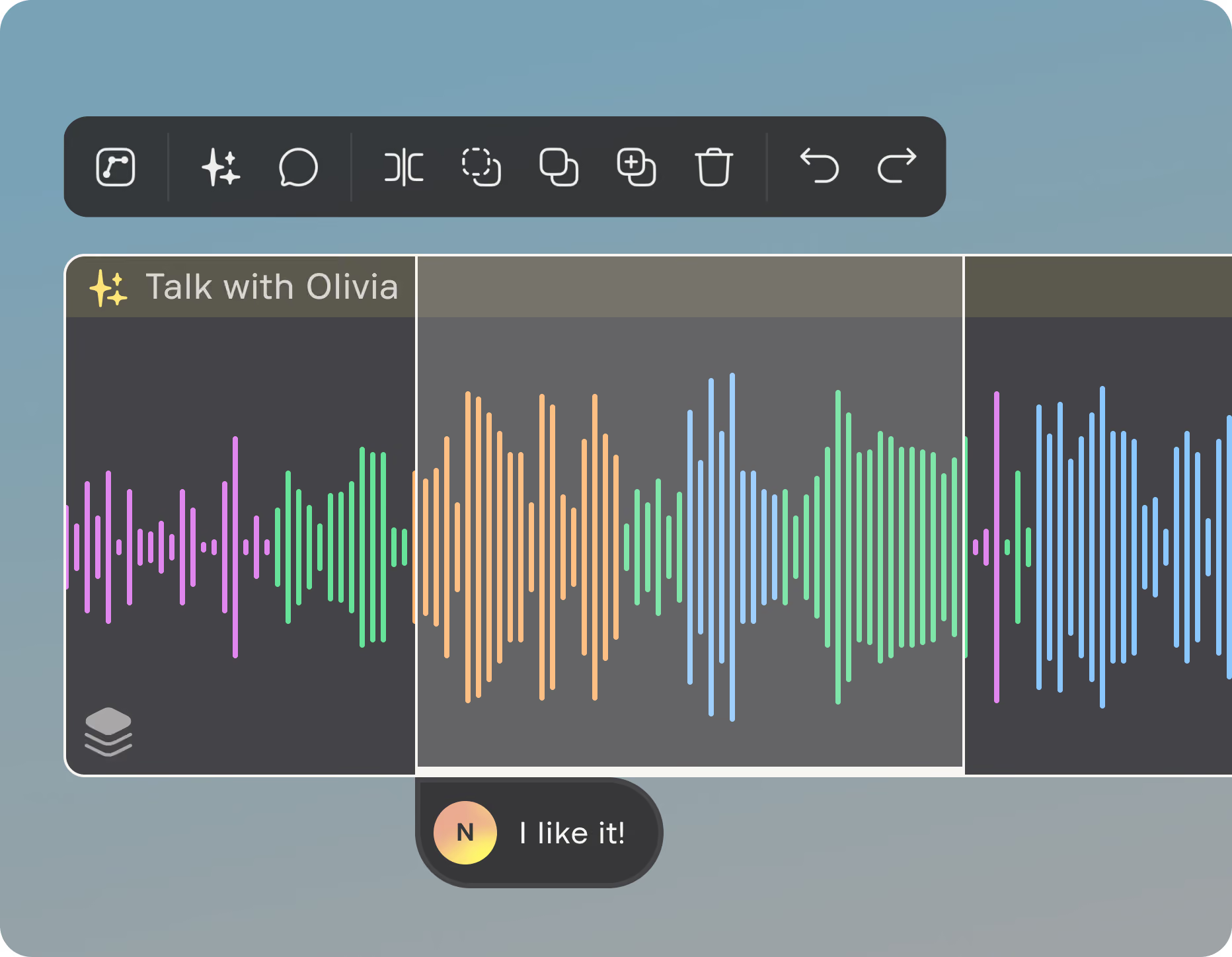
Built for collaborative podcast editing, feedback, and review workflows.
Timeline comments

Share without workspace access
30-day restore

The right file for every destination.

Ready to publish
Combine conversations, intros, outros, and music into a single publish-ready podcast file for Spotify, Apple Podcasts, Buzzsprout, Acast, and more.

One file per mic
Export isolated tracks for advanced podcast editing, mixing, or engineer handoff workflows.
Unprocessed source
Access the untouched original recording anytime, even after enhancement, editing, or export.
Frequently asked questions

Record it. Build it. Publish it.
Turn recordings into finished podcast episodes with browser-based editing, collaborative workflows, and publish-ready exports built into Studio Cloud.


.svg)


